Club administration
Running the club from the desktop admin — setting it up, creating competitions and keeping them moving once they are live.
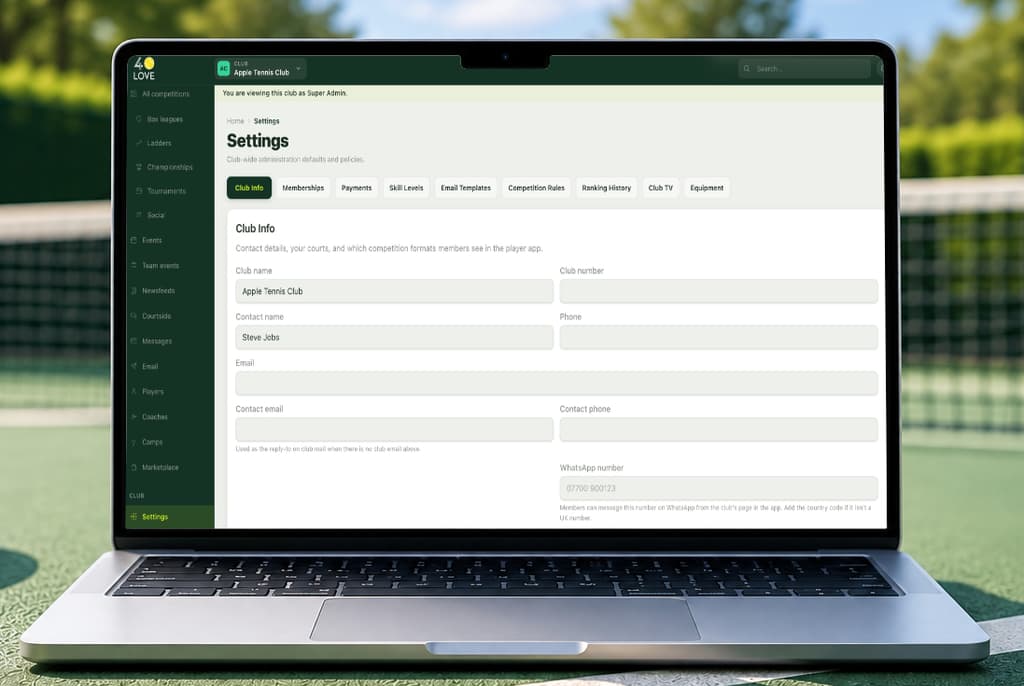
Setting up your club preferences
Settings is where your club is shaped: the sports you offer, the playing levels members are sorted into, your rules and regulations, the email templates that go out in your name, and who else can administer the club. Most of it has sensible defaults, so you can change the parts that matter to you and leave the rest.
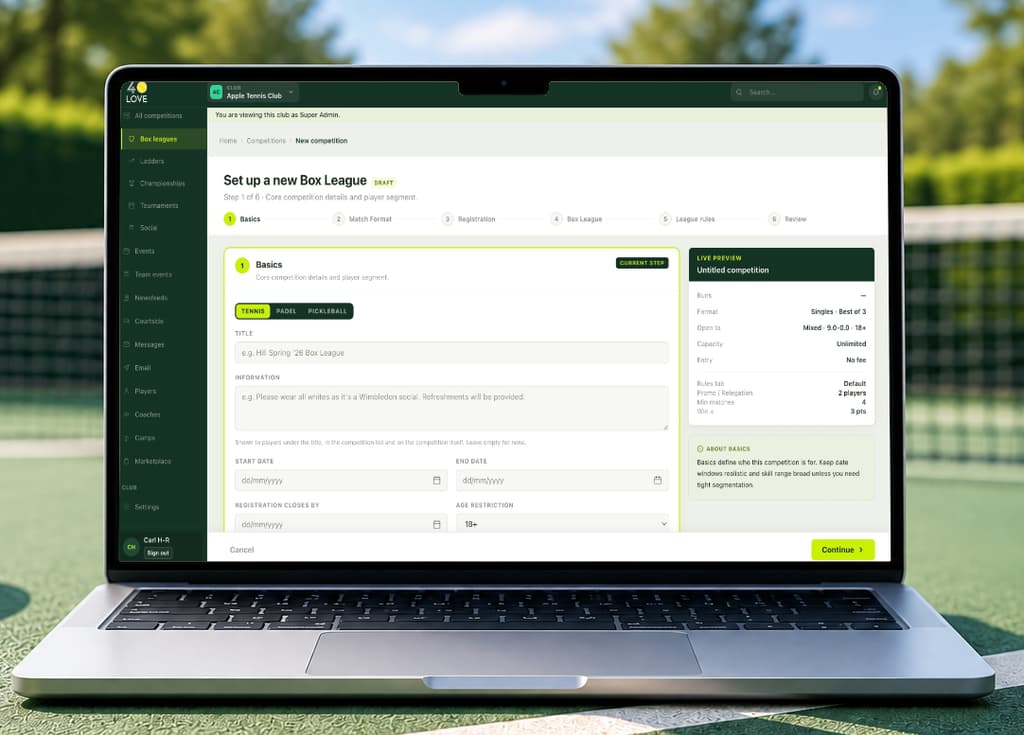
Creating a competition
The wizard walks you through it: pick the type — box league, ladder, championship, tournament or social — then the format, the dates, the entry rules and any fee. The competition opens for registration when you are ready, and goes live when you choose. Nothing is announced to members until you say so.
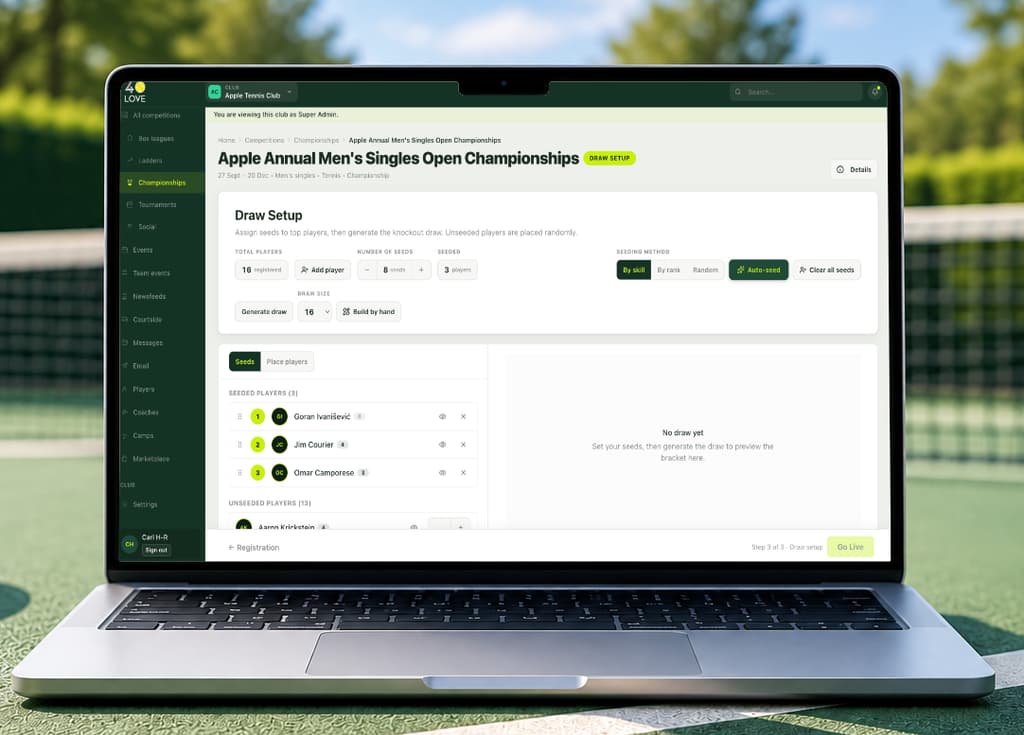
Managing club championships
Set up the draw, seed it by hand or let 40LOVE seed it from your members' levels, and generate the bracket. From there it runs itself: winners advance automatically as scores come in, and first-round losers can be entered into a Plate so their championship is not over in an afternoon.
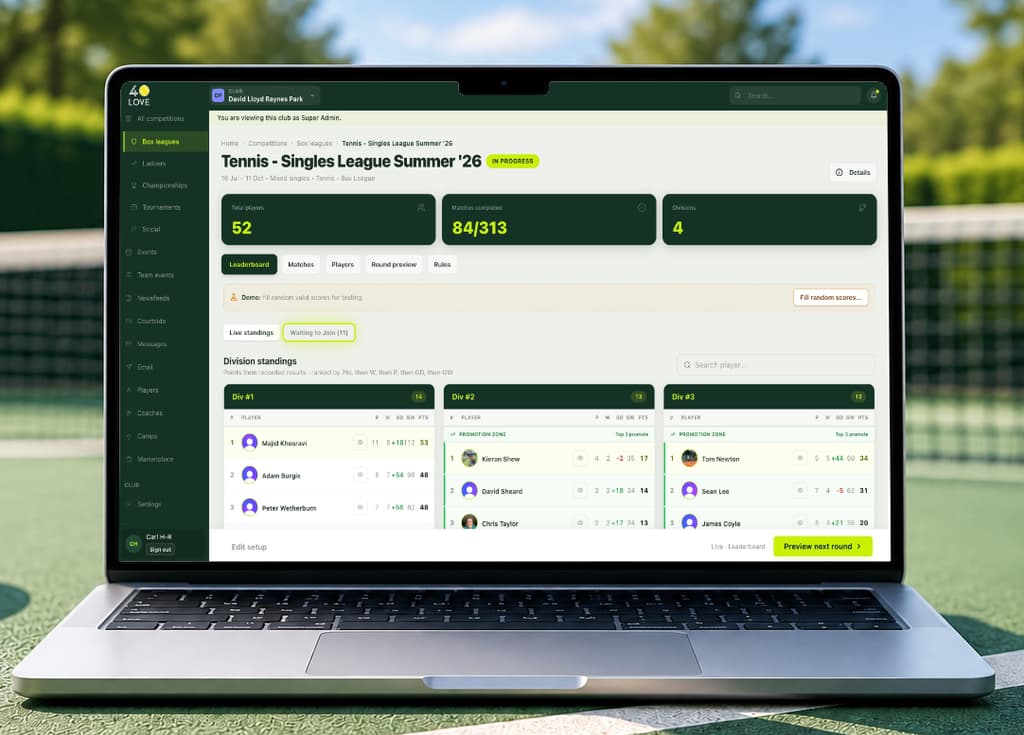
Running box leagues
Plan your divisions, drag players between them until the boxes look right, and generate the fixtures. When a round ends 40LOVE works out who is promoted and relegated and creates the next round as a competition of its own — the previous round keeps its final table, and members can still see where they came from.
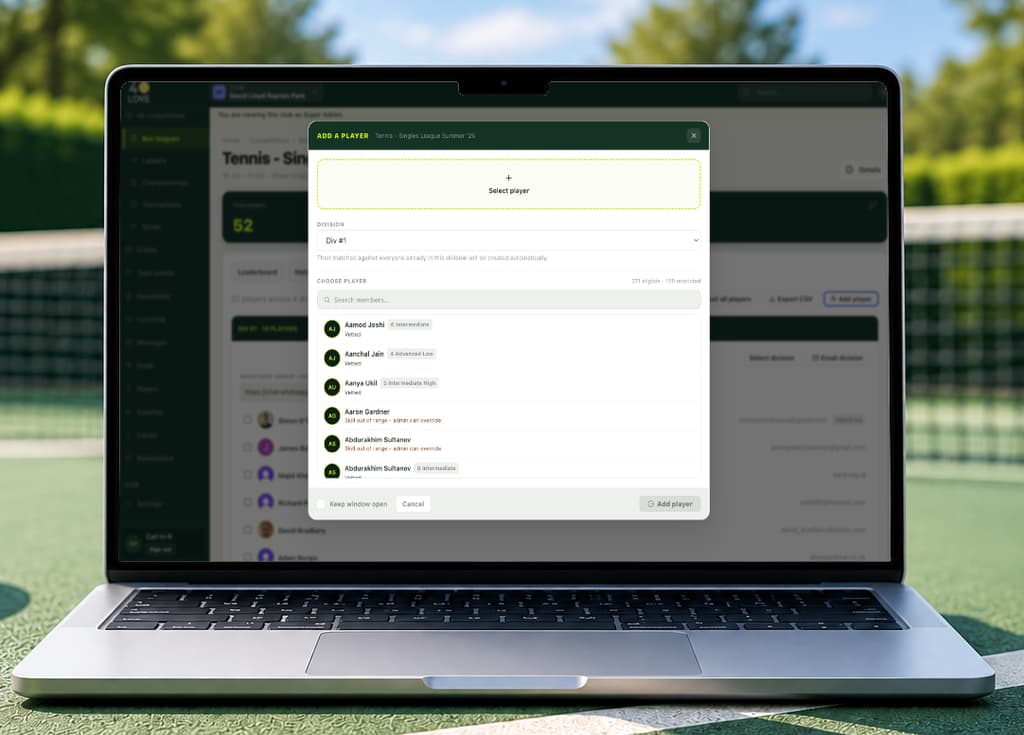
Adding players to a live competition
Somebody always asks after it has started. On a running box league the dashboard has a Waiting to Join tab listing everyone registered for the next round who is not yet in a division — seat them into one and their fixtures are generated for them, singles or doubles. On a championship you can substitute a player, and the replacement inherits the bracket place and any fixture still to be played.
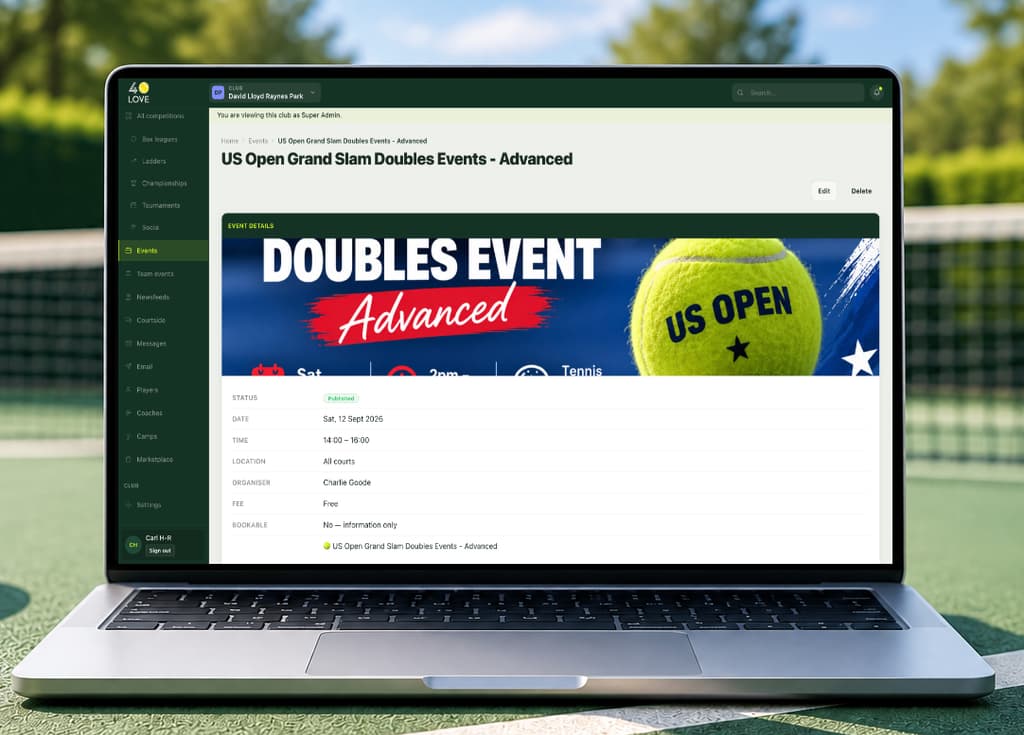
Adding events
Events is your club noticeboard, separate from competitions and the engine behind them — quiz nights, open days, socials with no scoring. Give it an image, a date, a place and the details; make it bookable if places are limited, and 40LOVE keeps the list of who has reserved one.
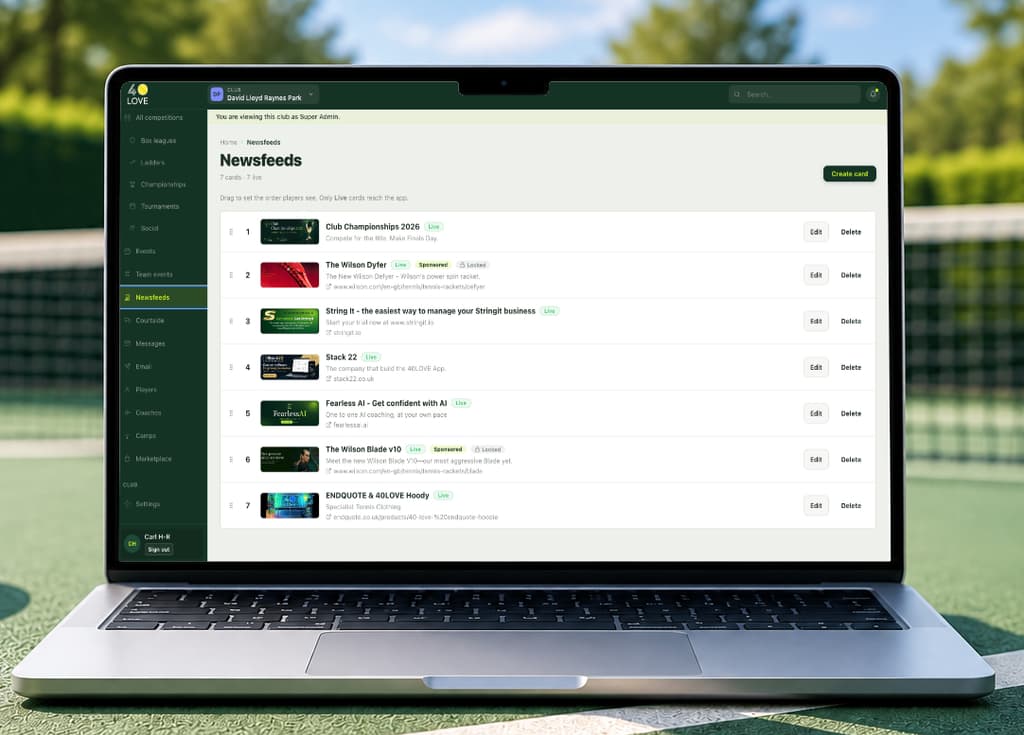
Adding newsfeeds
Newsfeed cards are what members see on their home screen — announcements, reminders, a sponsor's message. Write the card, choose its image and where it links to, and order the cards however you want them to appear. Some cards come from 40LOVE and can be reworded but not removed.
Still stuck?
If the answer is not here, the 40LOVE team will find it for you.